
Getting started
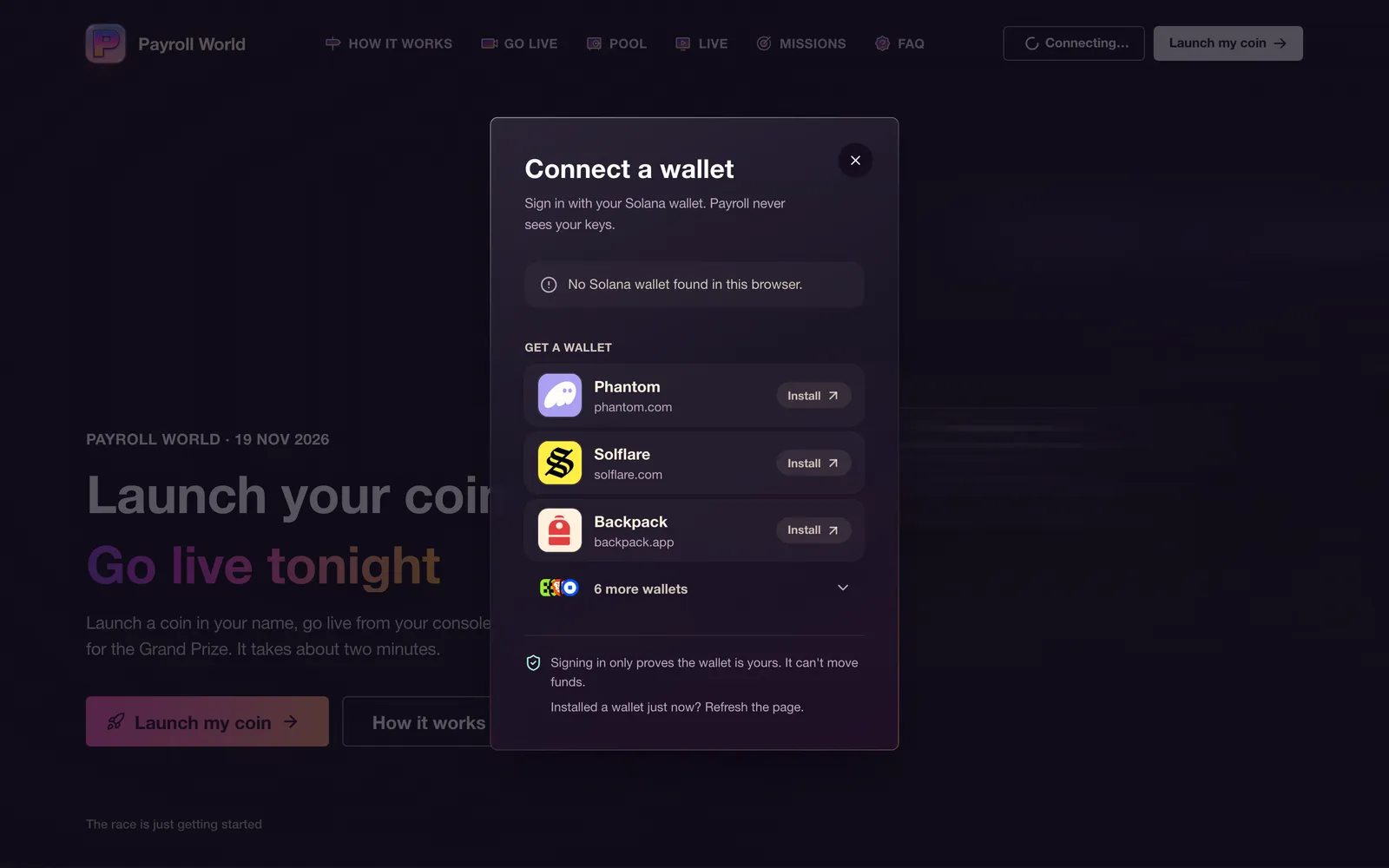
Connect a wallet
Sign in with any Solana wallet. We never see your keys.
Select Connect at the top right. The picker lists every Solana wallet installed in your browser first, with its own logo, and links to install one if you have none.
Signing in
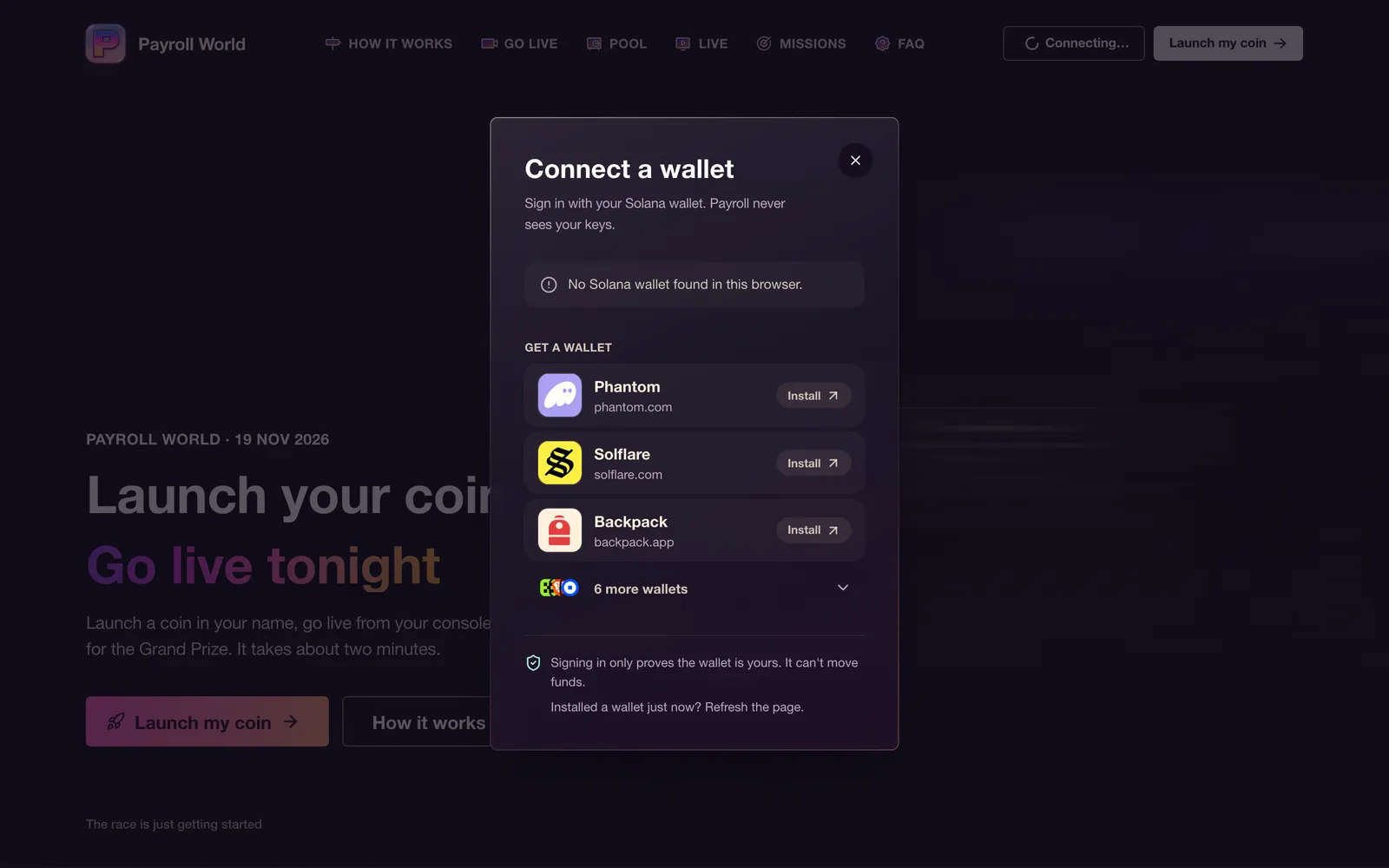
Actions that need to know it's you (going live, chatting, your profile) ask your wallet to sign a short message. Signing in only proves the wallet is yours; it can't move funds.
On a phone
- Android: Chrome connects to the wallet app on your phone.
- iPhone: open Payroll World inside your wallet app's browser (Phantom, Solflare and Backpack have one). The picker offers a button that does it for you.