

Getting started
Quickstart
From nothing to live in about five minutes.
Step 1 of 5
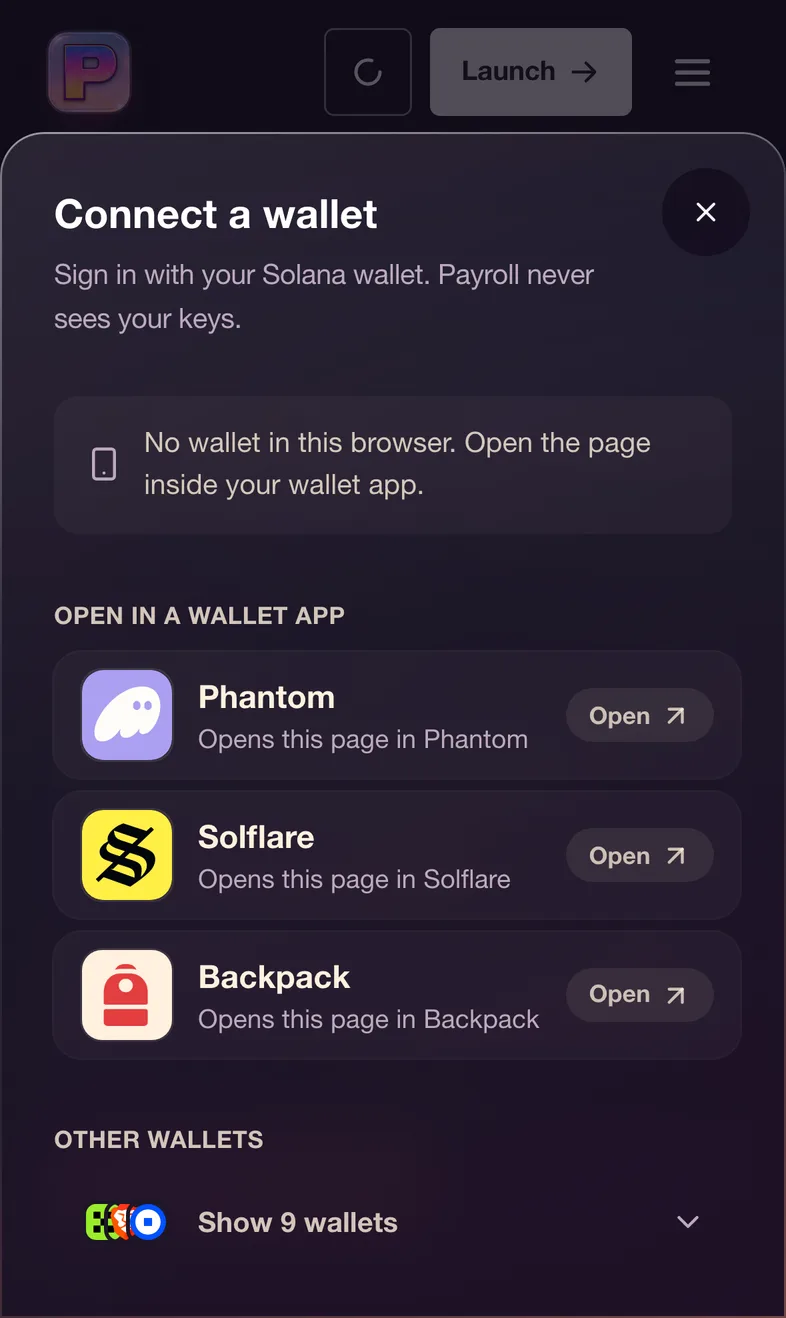
Get a Solana wallet
Phantom, Solflare or Backpack, with a little SOL for fees. See Connect a wallet.
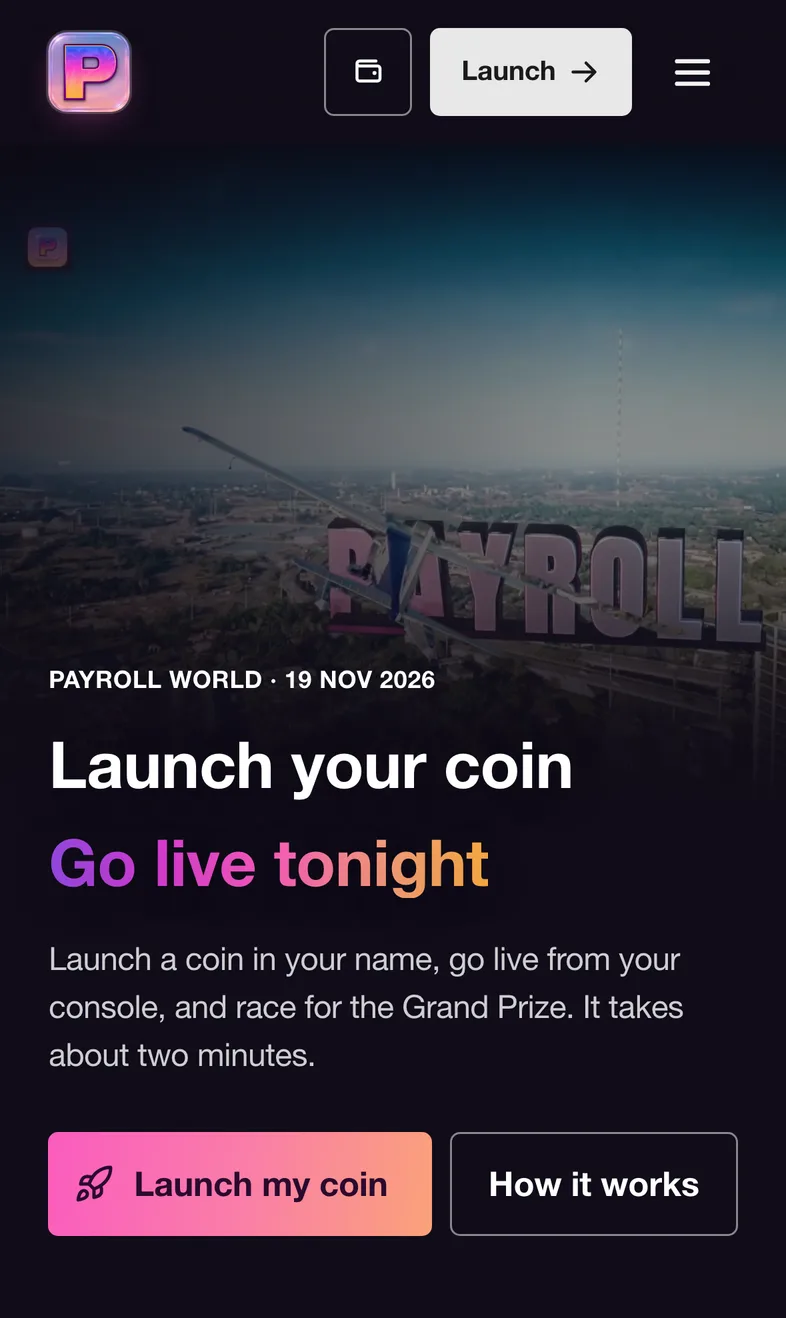
Open the launch page
Select Launch my coin at the top of the page (Launch on a phone), or go straight to the launch page.
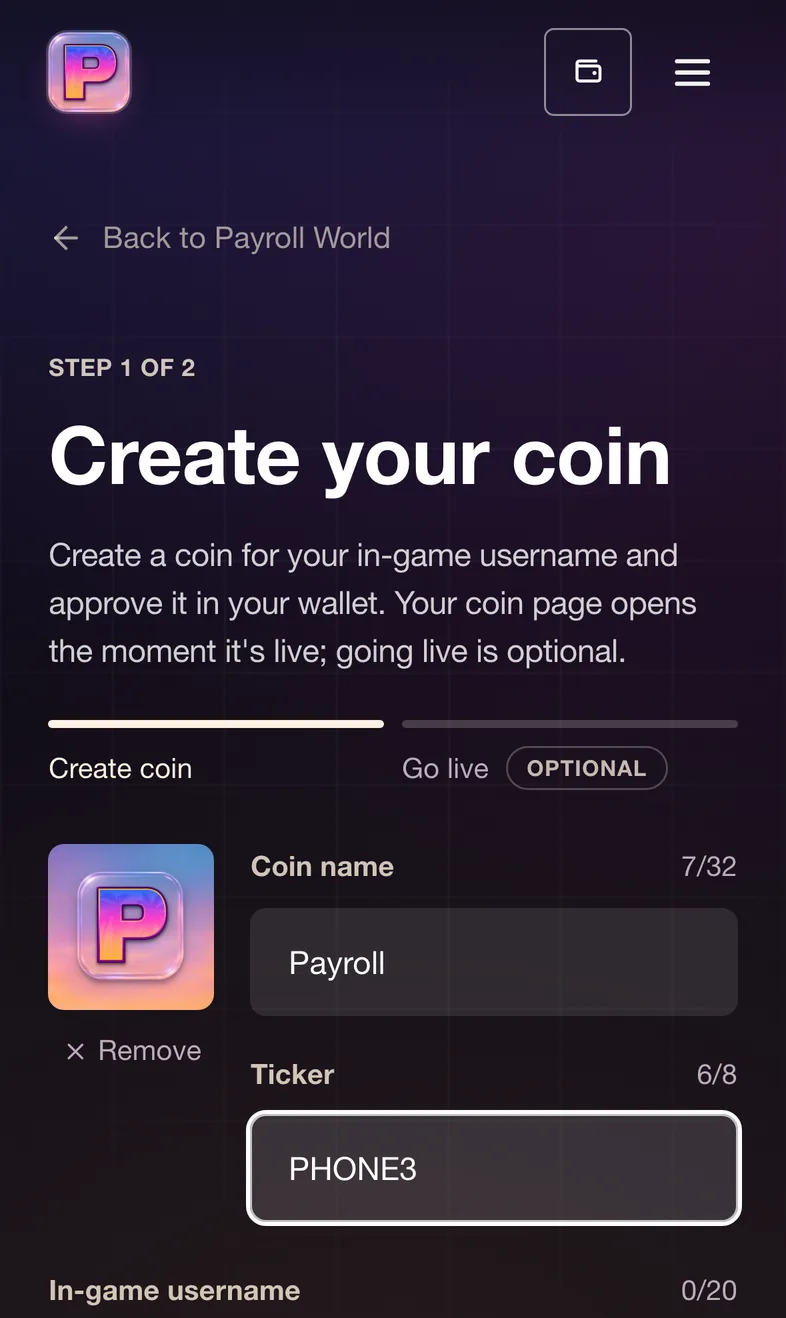
Fill in your coin
An image (required: it's your coin's art), the coin's name and ticker, and your in-game username (a label).
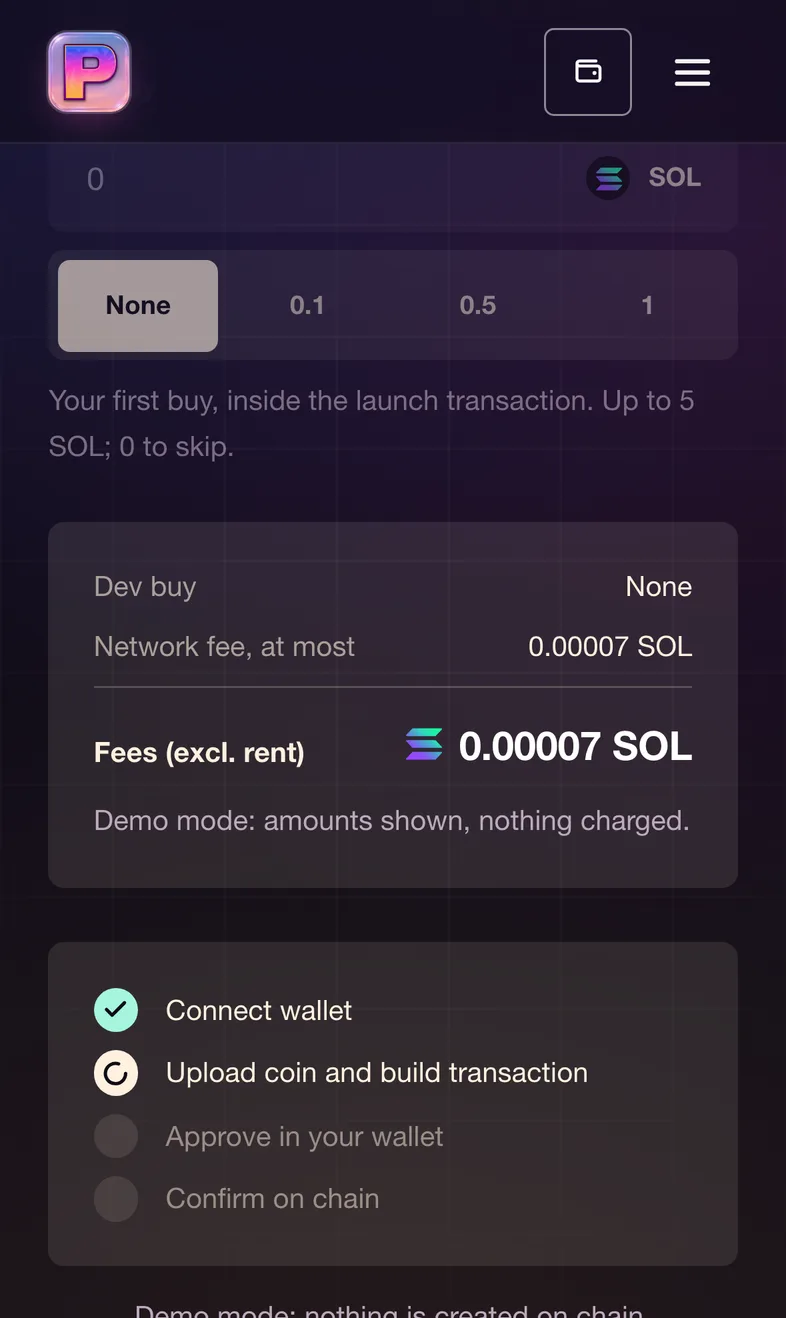
Approve in your wallet
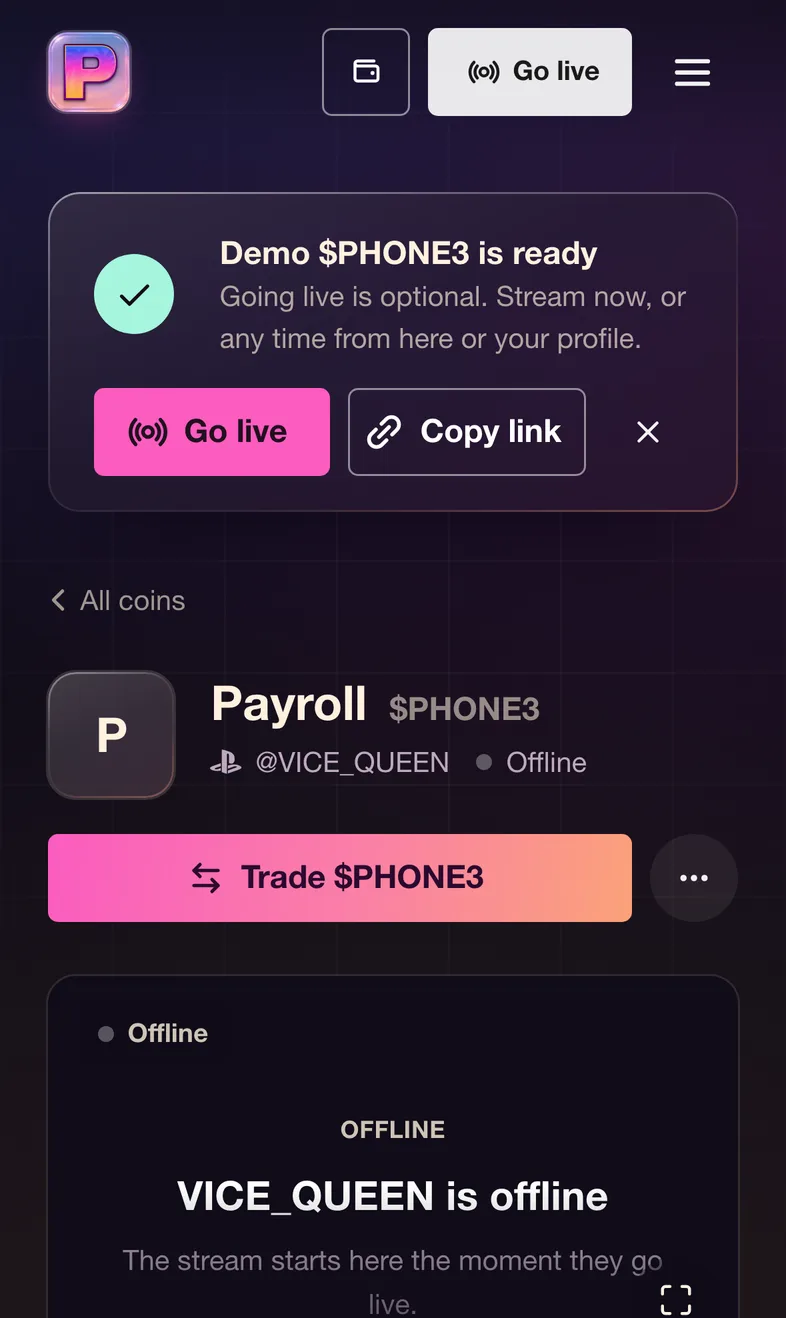
Select Launch $TICKER (the button names your ticker once you've typed it) and approve the transactions in your wallet. Your coin's page opens the moment it's live.
Go live
Select Go live on your coin's page and pick how you'll stream. Going live is optional at launch; you can do it any time.
No console account needed
Your username is a label on your coin. Payroll World never signs in to PlayStation, Xbox or any game account.