
Launch
Launch a coin
An image, a name, a ticker and your wallet's approval. About two minutes.
Step 1 of 6
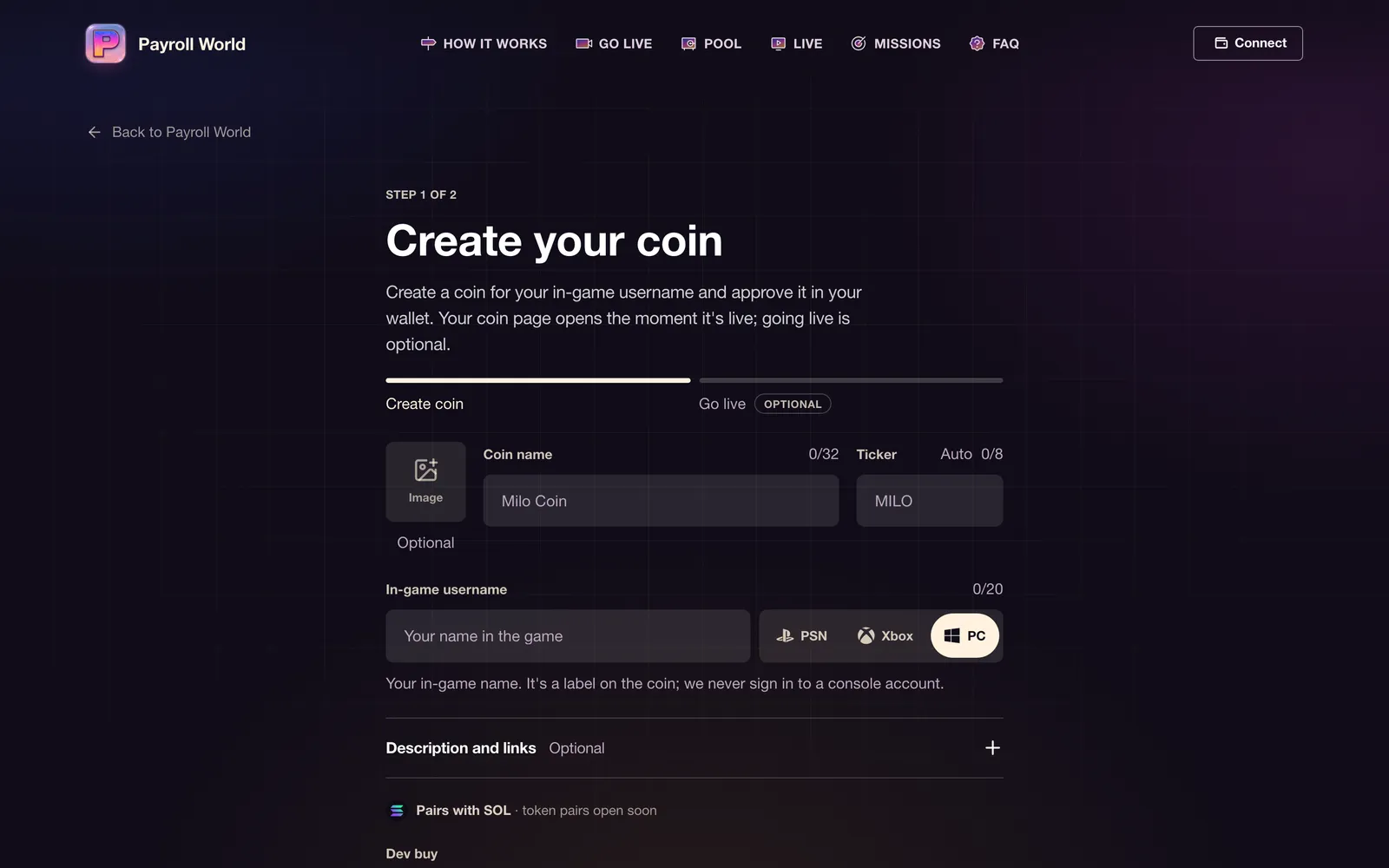
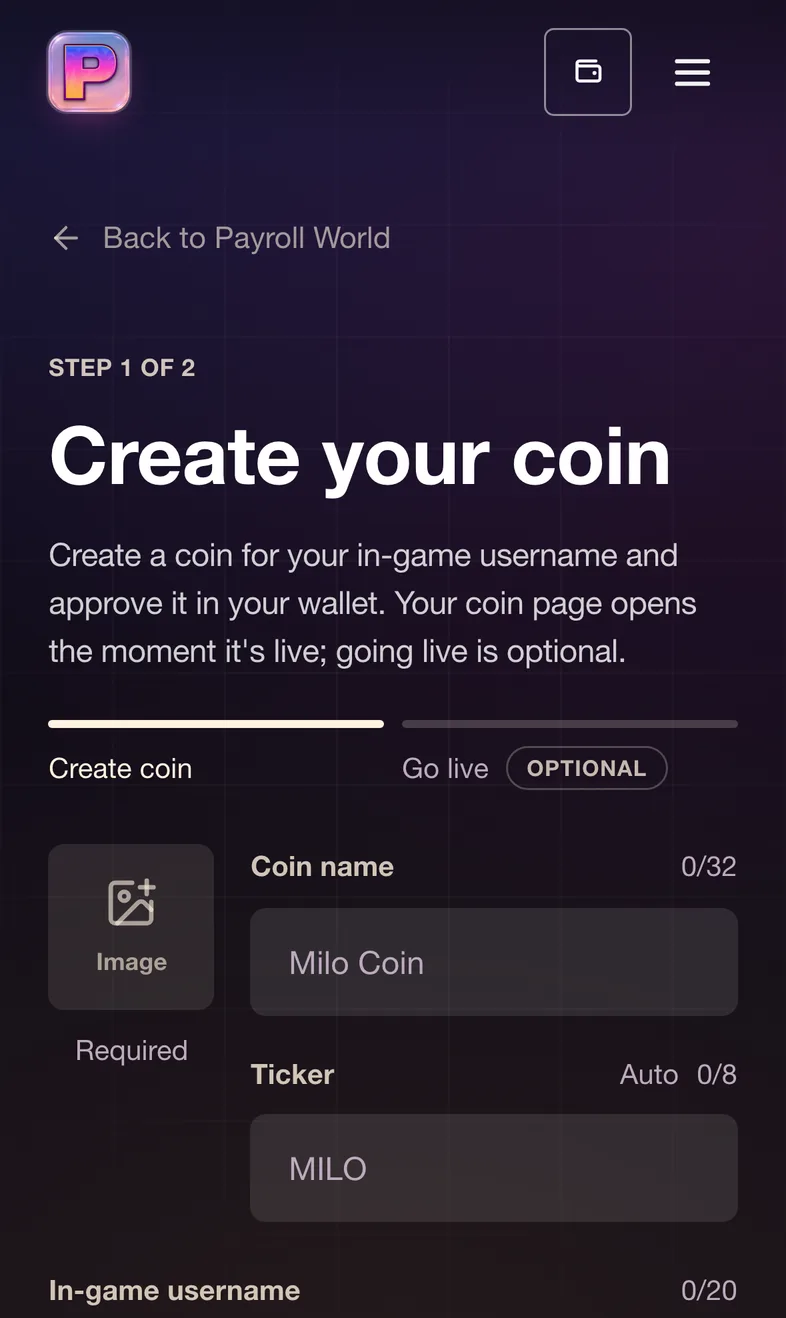
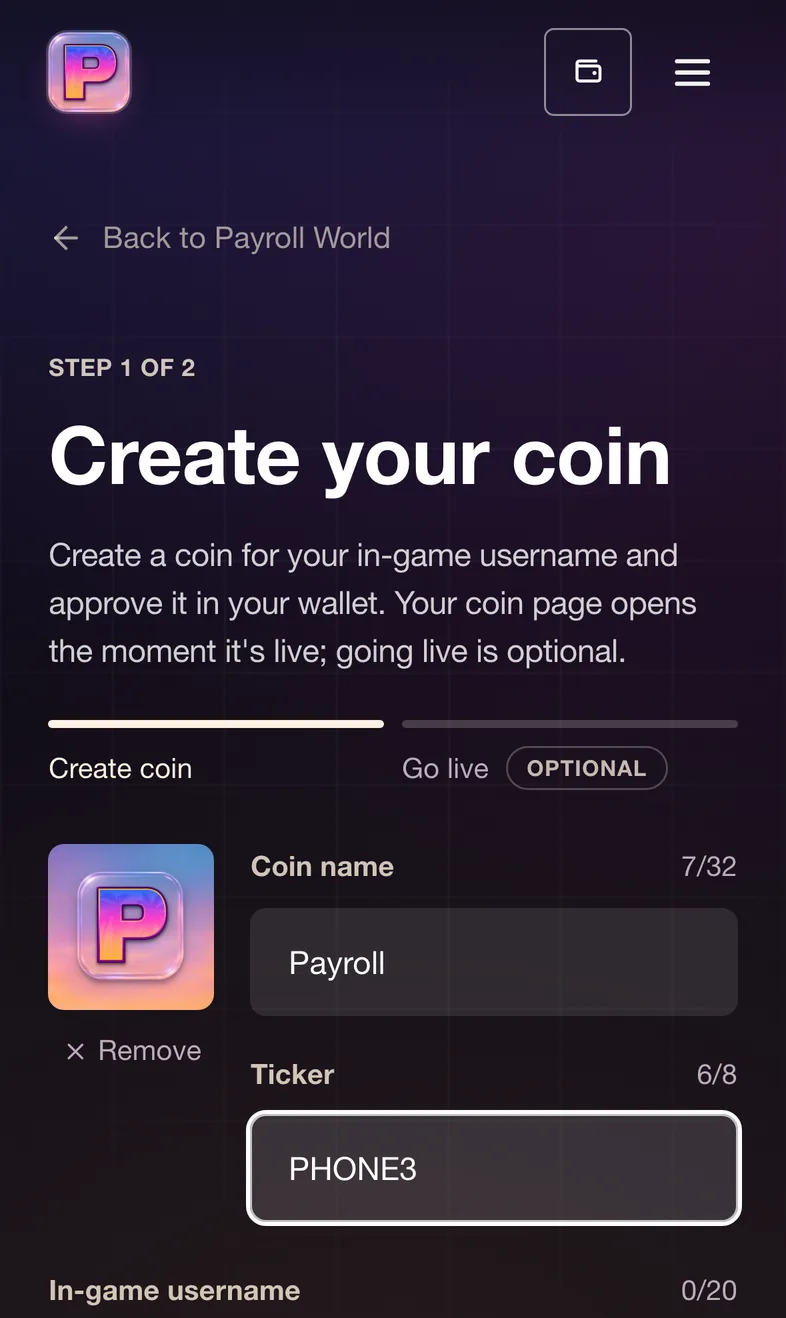
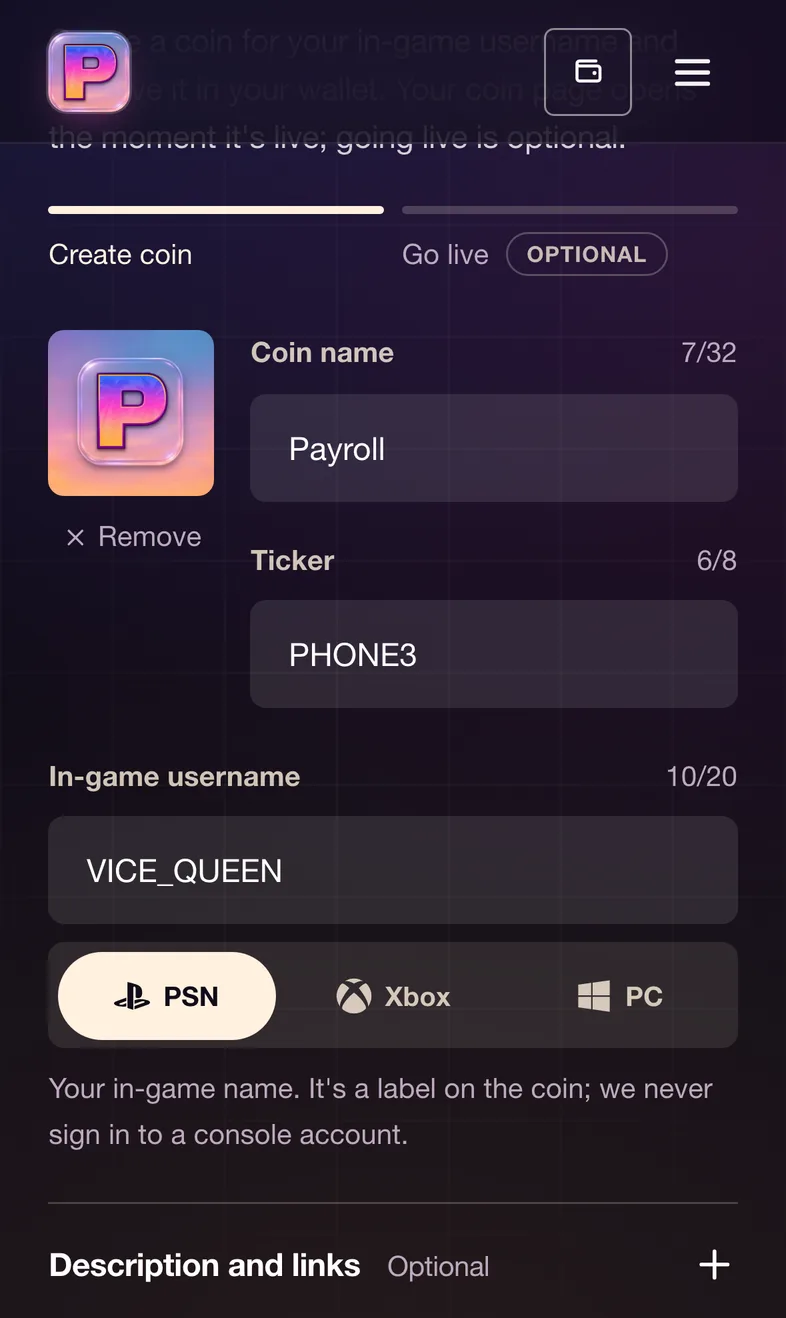
Add an image
Required: PNG, JPG, GIF or WebP, under 4 MB. It becomes your coin's art on pump.fun and everywhere on the site.
Name your coin
Set the Coin name and Ticker. The ticker fills in from the name; change it if you like.
Type your in-game username
Pick PSN, Xbox or PC and type the name you play under. It's a label; no console account is connected.
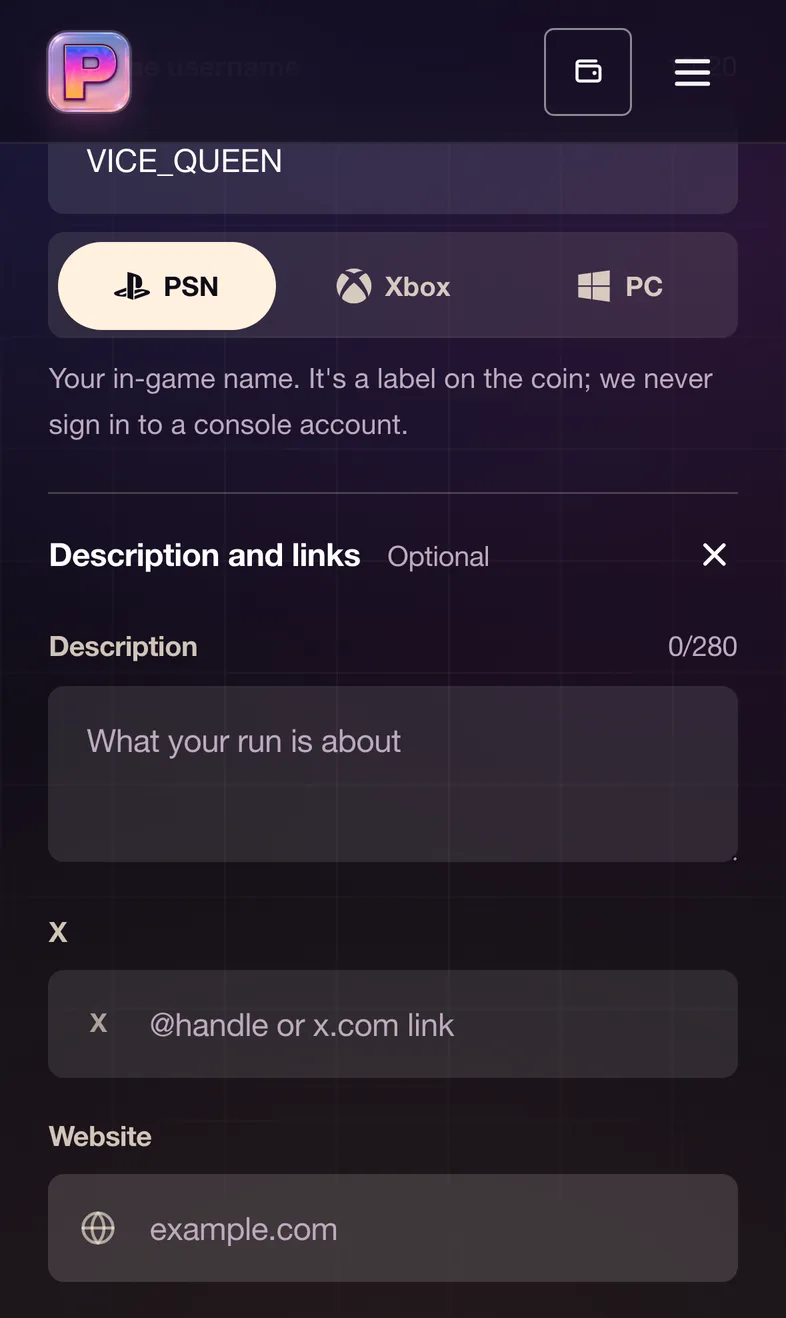
Add a description and links
Optional, under Description and links: your X, website and Telegram show on the coin's page.
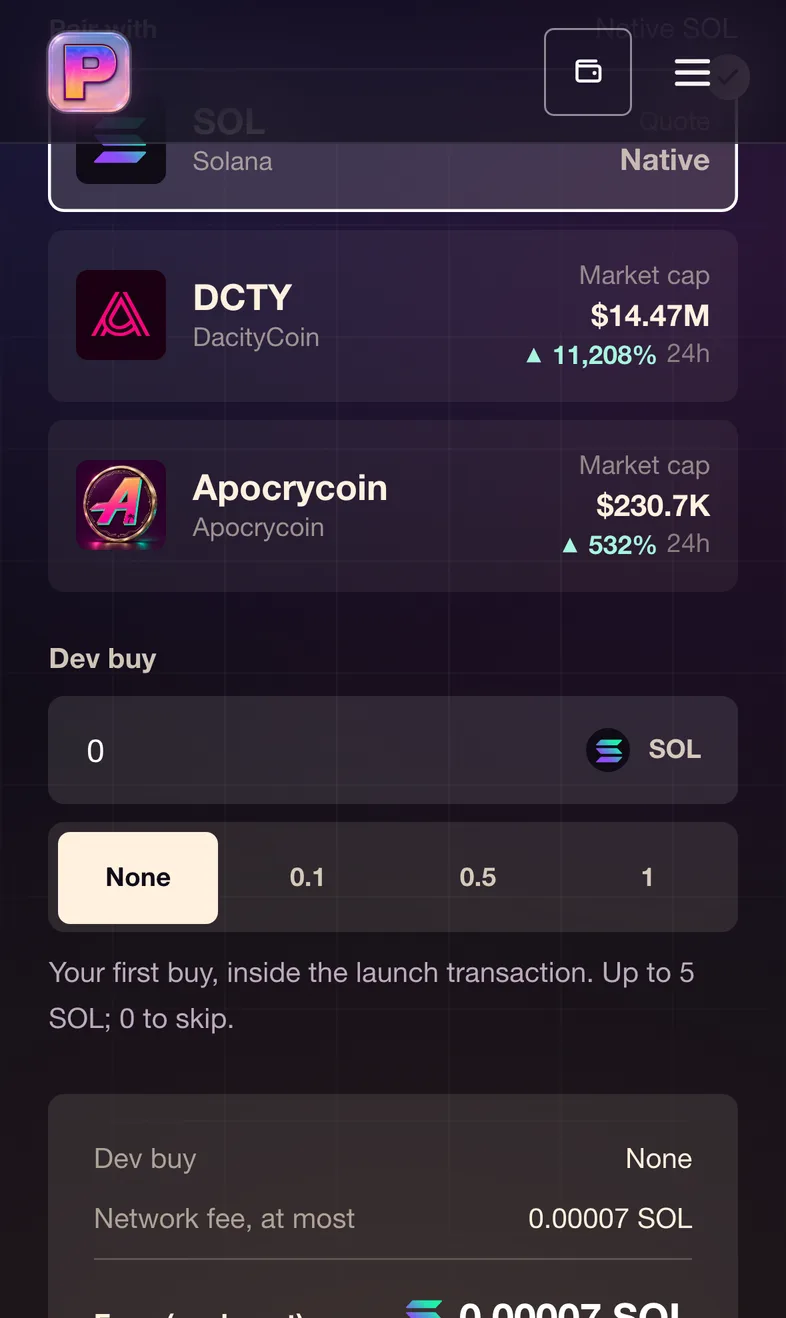
Choose a dev buy
Optional, with a SOL pair: your first buy, inside the launch transaction, up to 5 SOL. Leave it at 0 to skip. With a community-coin pair, launch first, then make the SOL dev buy from Creator tools on your coin's page.
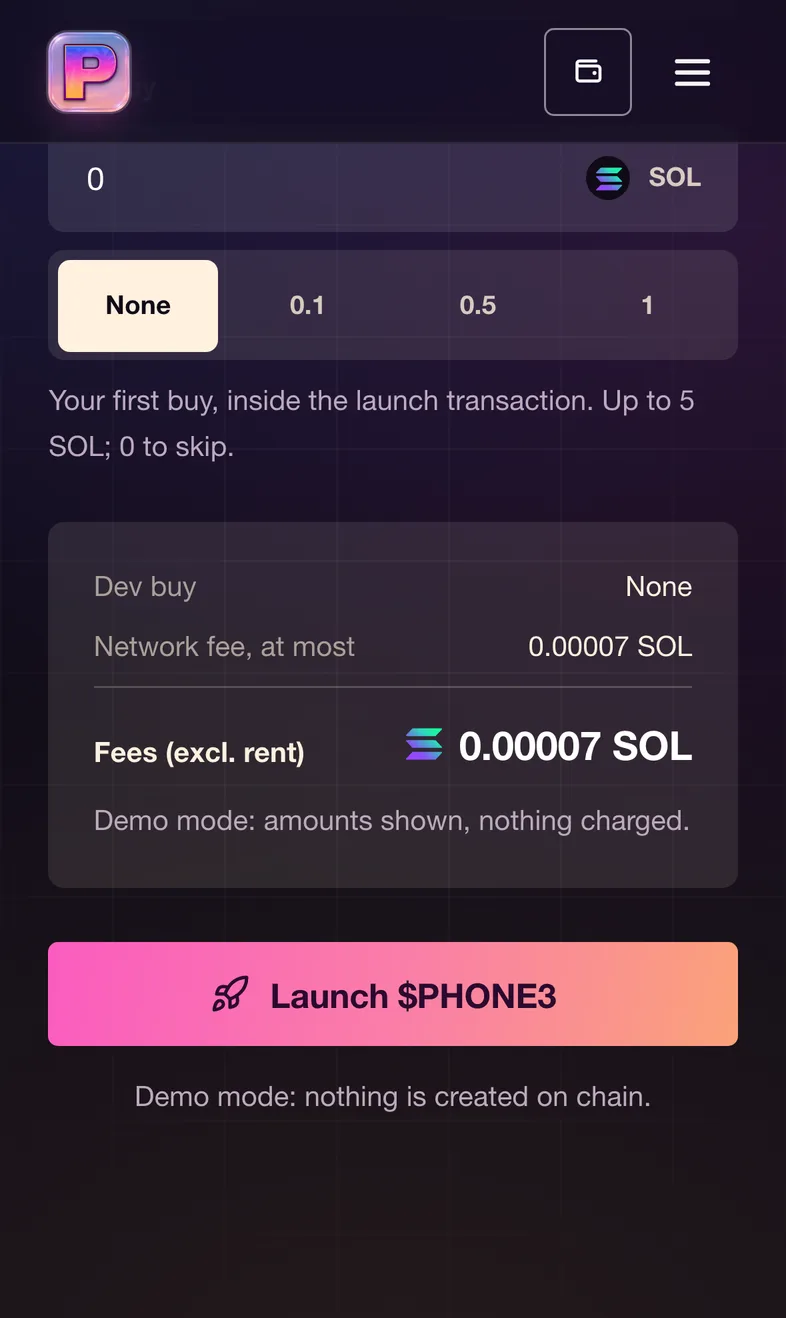
Launch
Select Launch $TICKER (it reads Launch coin until you type a ticker) and approve in your wallet. The page tracks each stage and opens your coin the moment it's live.
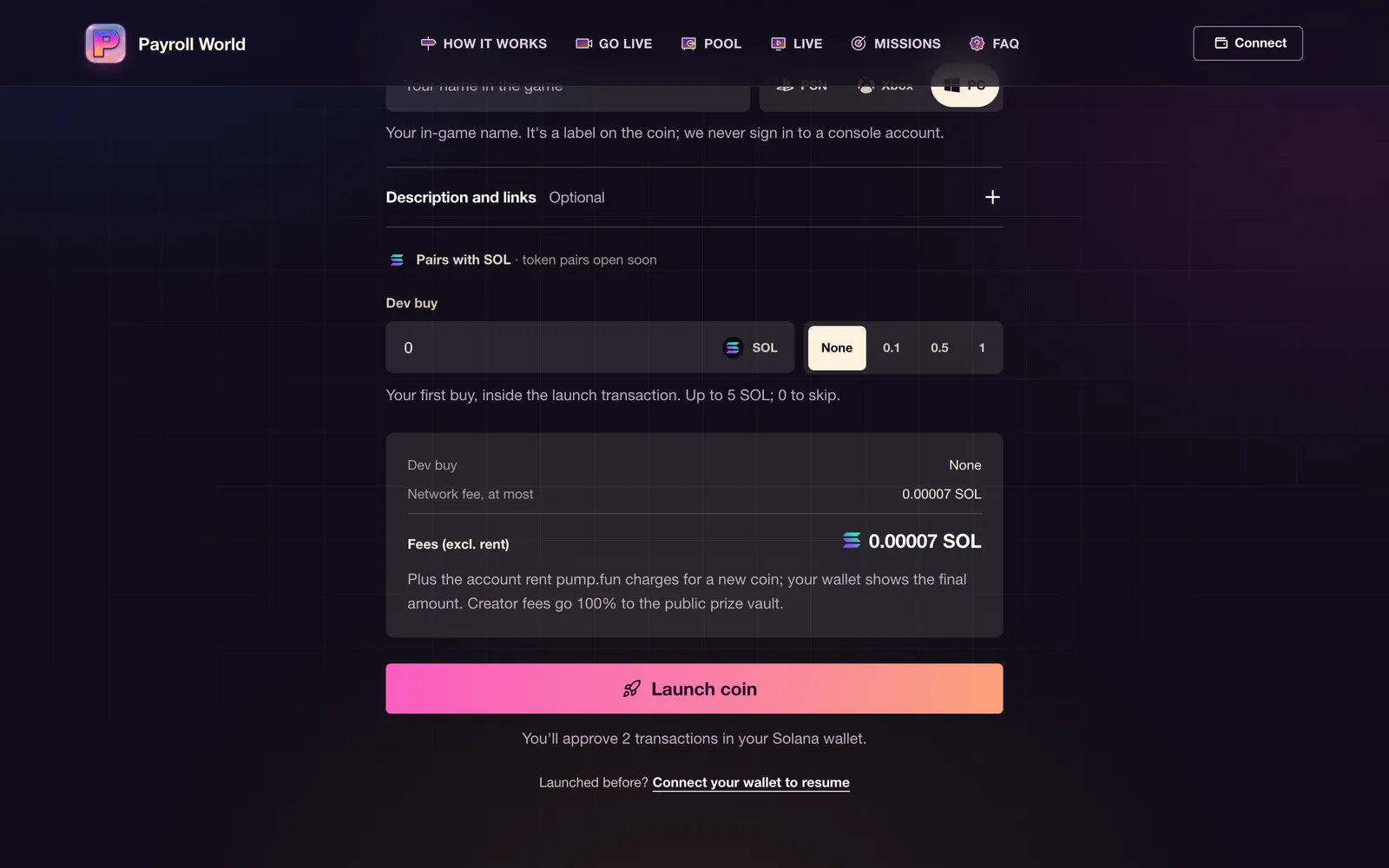
What the cost summary shows